Get Rewarded for Everyday Mobile Use
Earn while you scroll, swipe, and browse!
With every action on your phone, you collect
points that add up to exciting rewards.
Your Rewards










How to Join App/Web Tracking
-
![]()
STEP 1
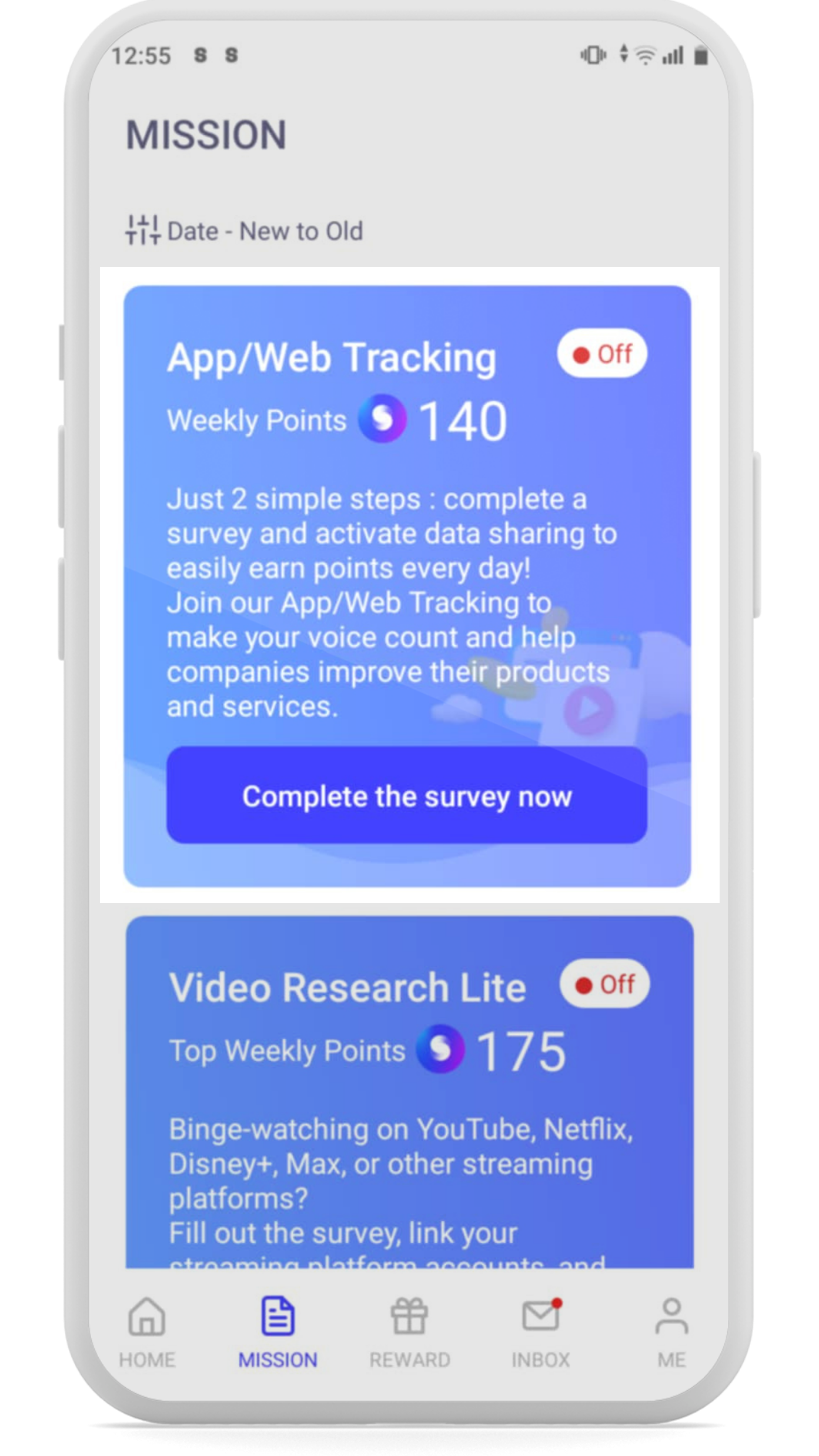
Go to the MISSION page and complete the App/Web Tracking Survey.
-
![]()
STEP 2
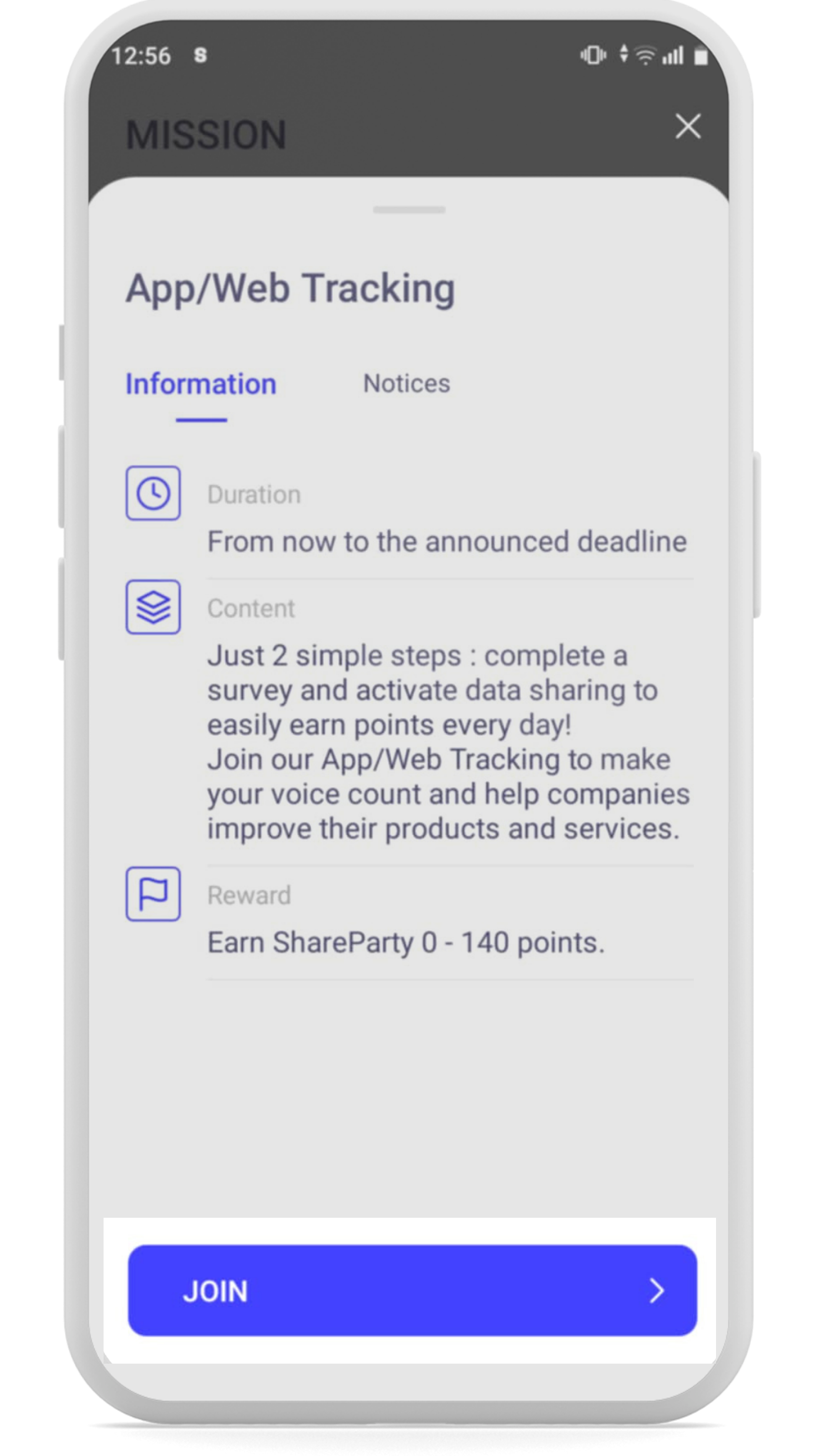
Click Join to start the short survey.
-
![]()
STEP 3
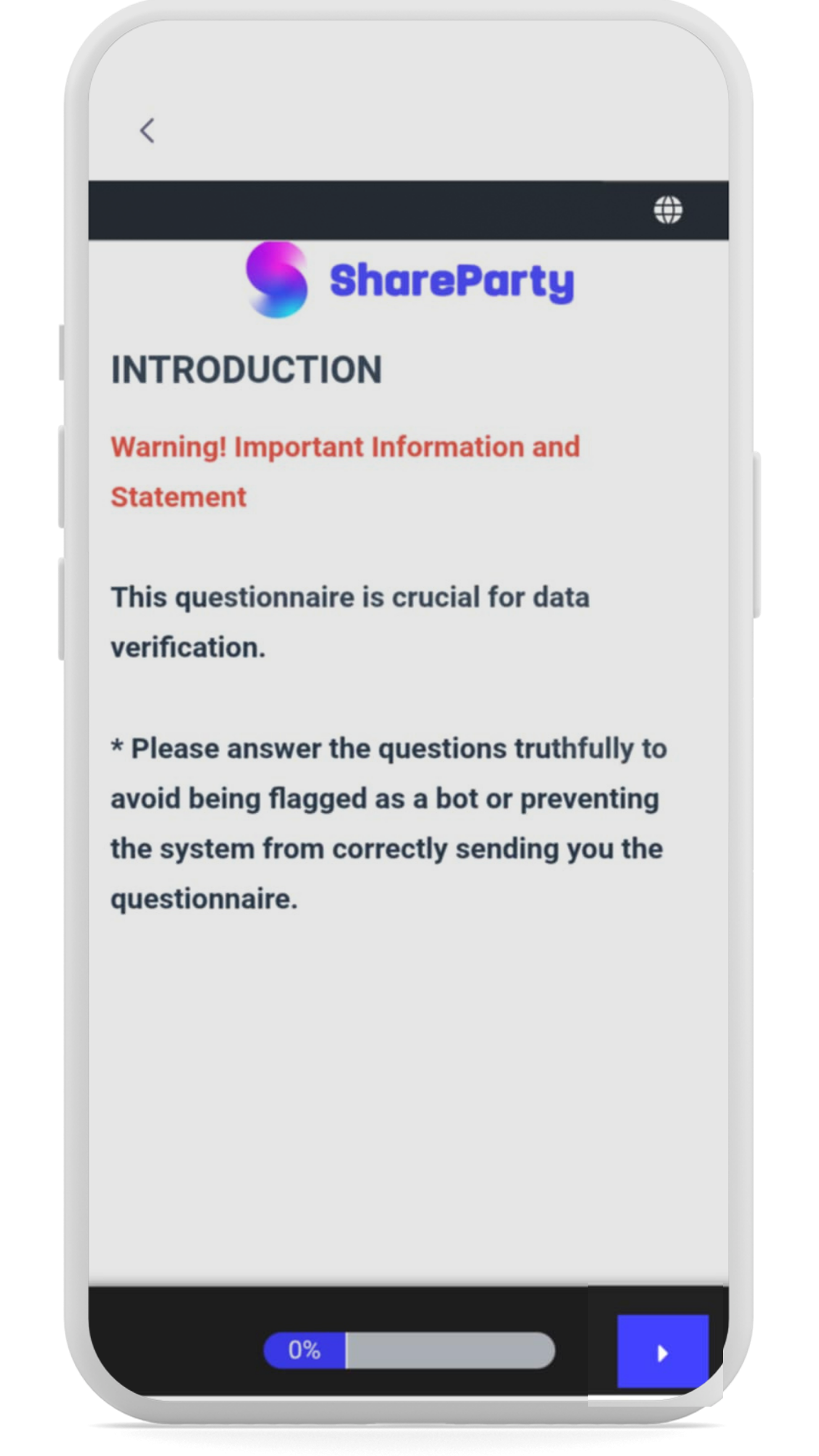
Complete the survey.
-
![]()
STEP 4
Click Finish to continue.
-
![]()
STEP 5
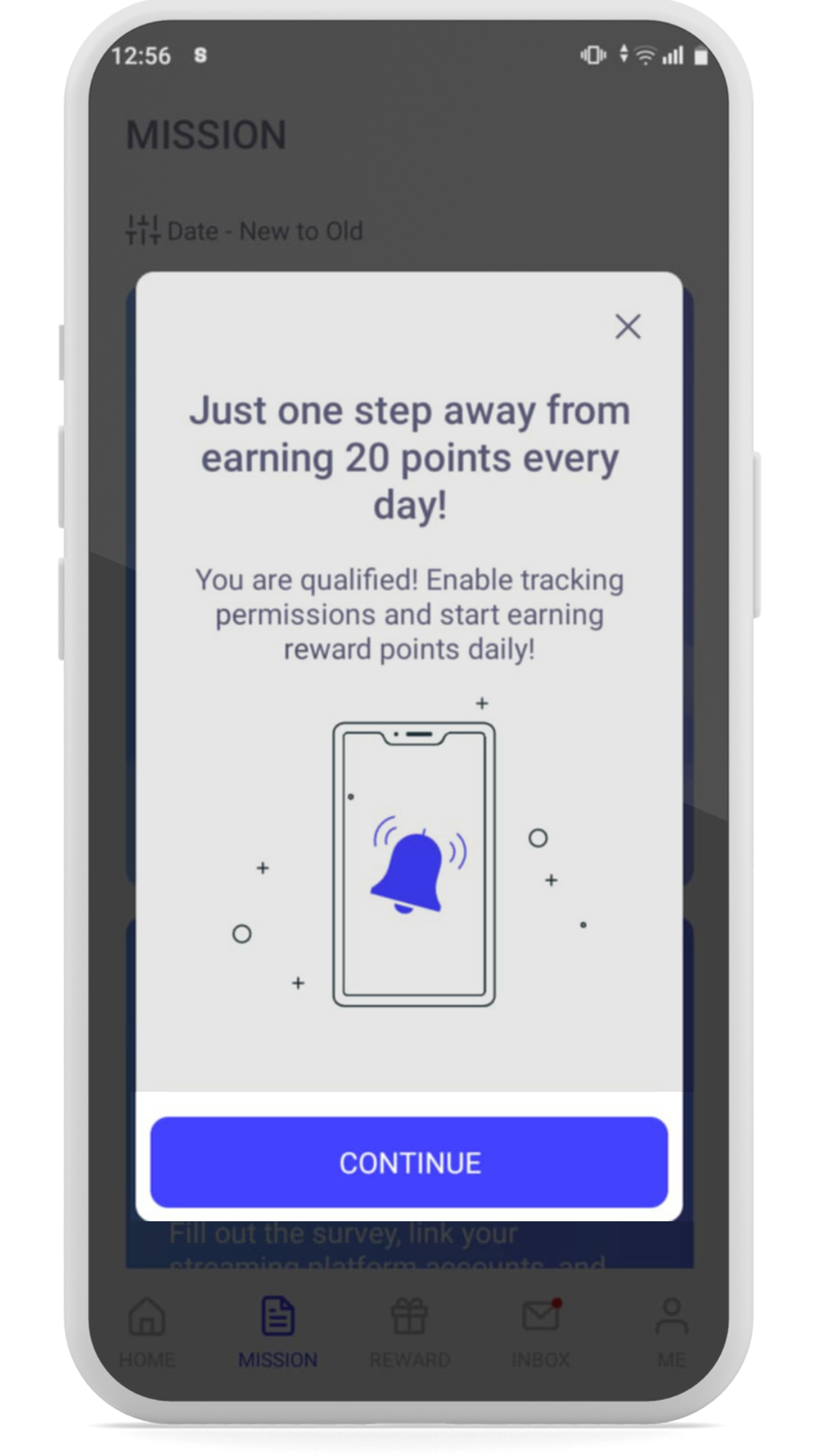
Continue to complete the settings.
-
![]()
STEP 6
Click Start to begin the settings.
-
![]()
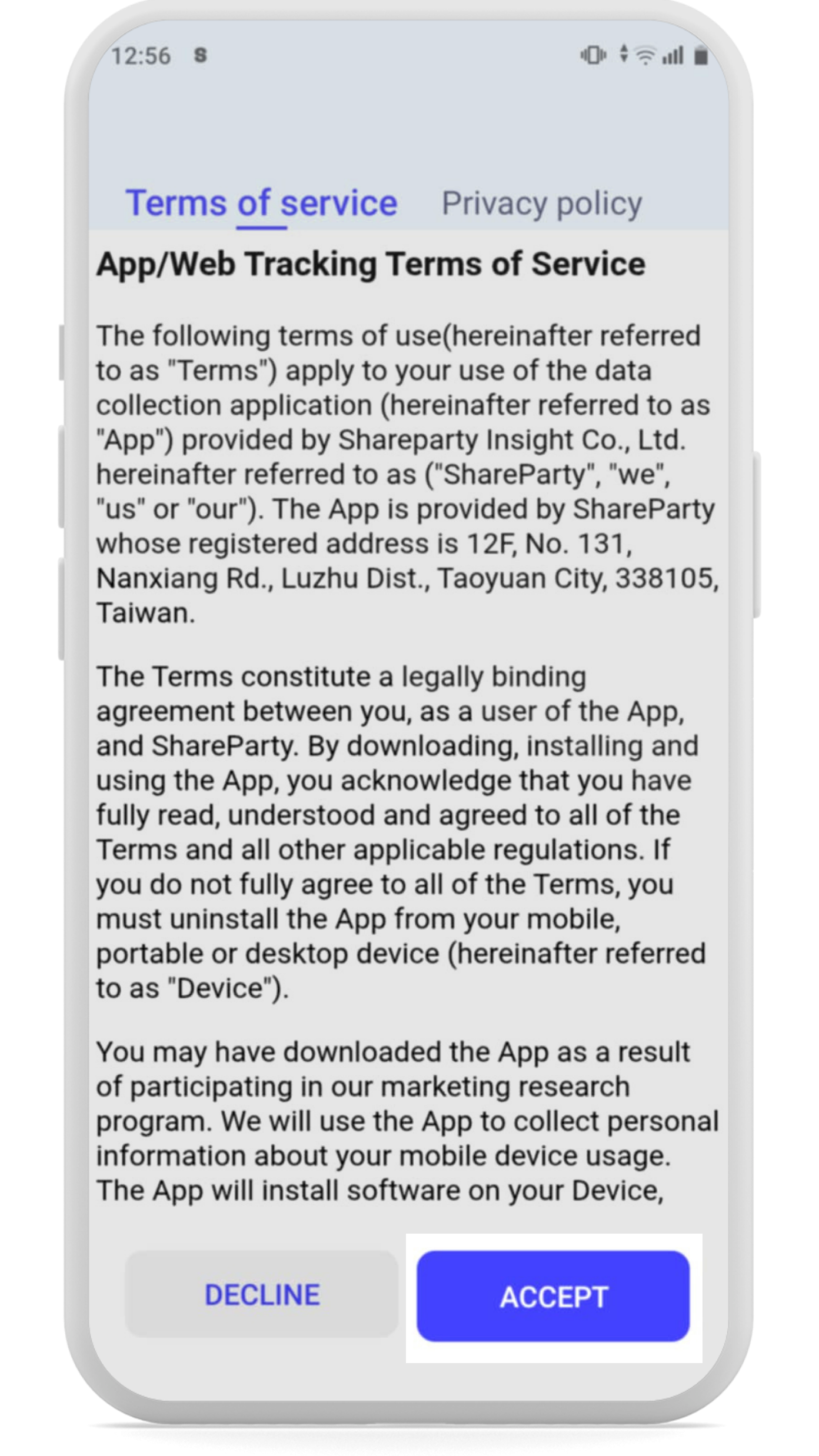
STEP 7
Read the Terms of Service and click Accept.
-
![]()
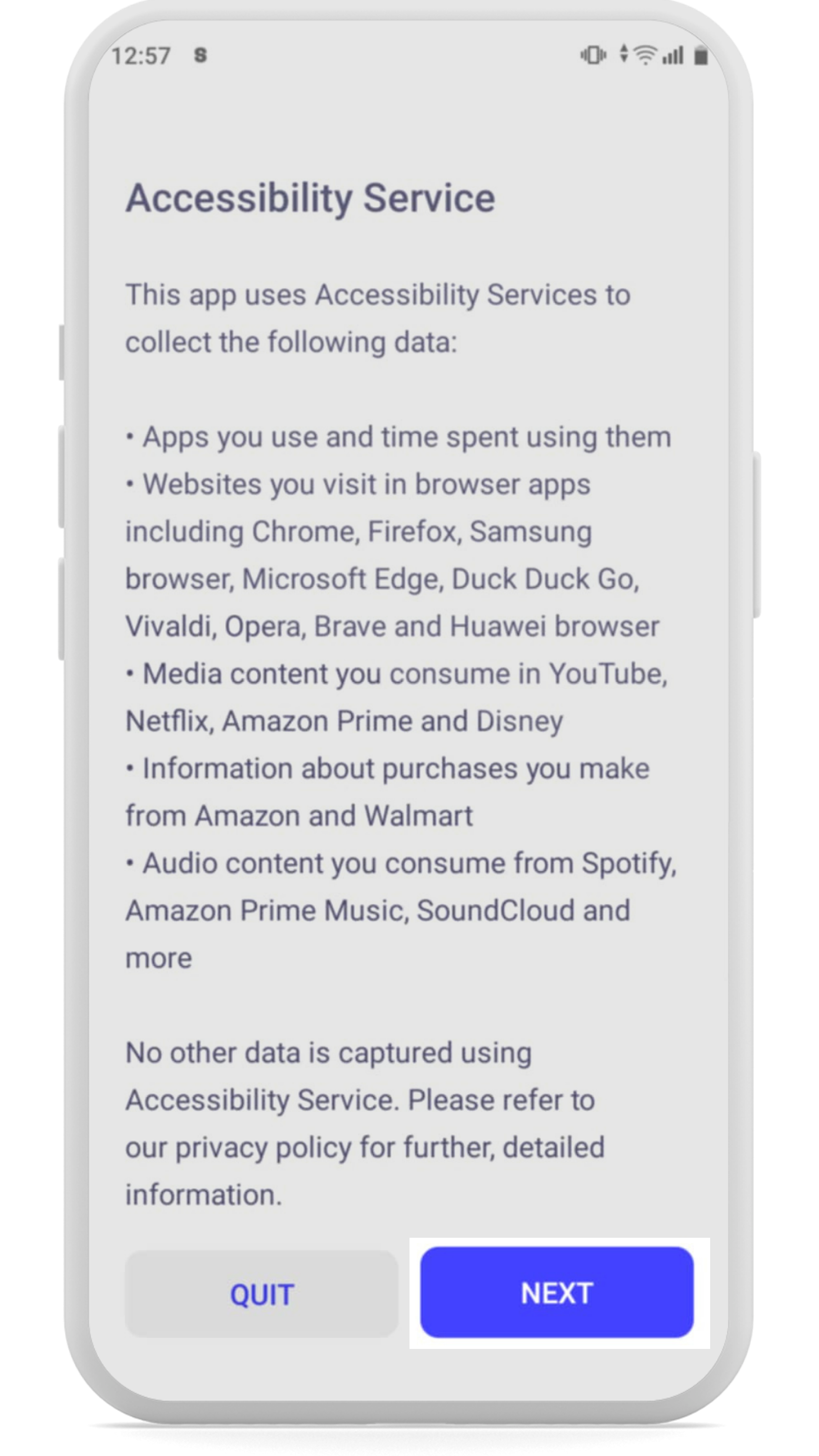
STEP 8
Read the Accessibility Introduction and click NEXT.
-
![]()
STEP 9
Click Start to go to the settings page.
-
![]()
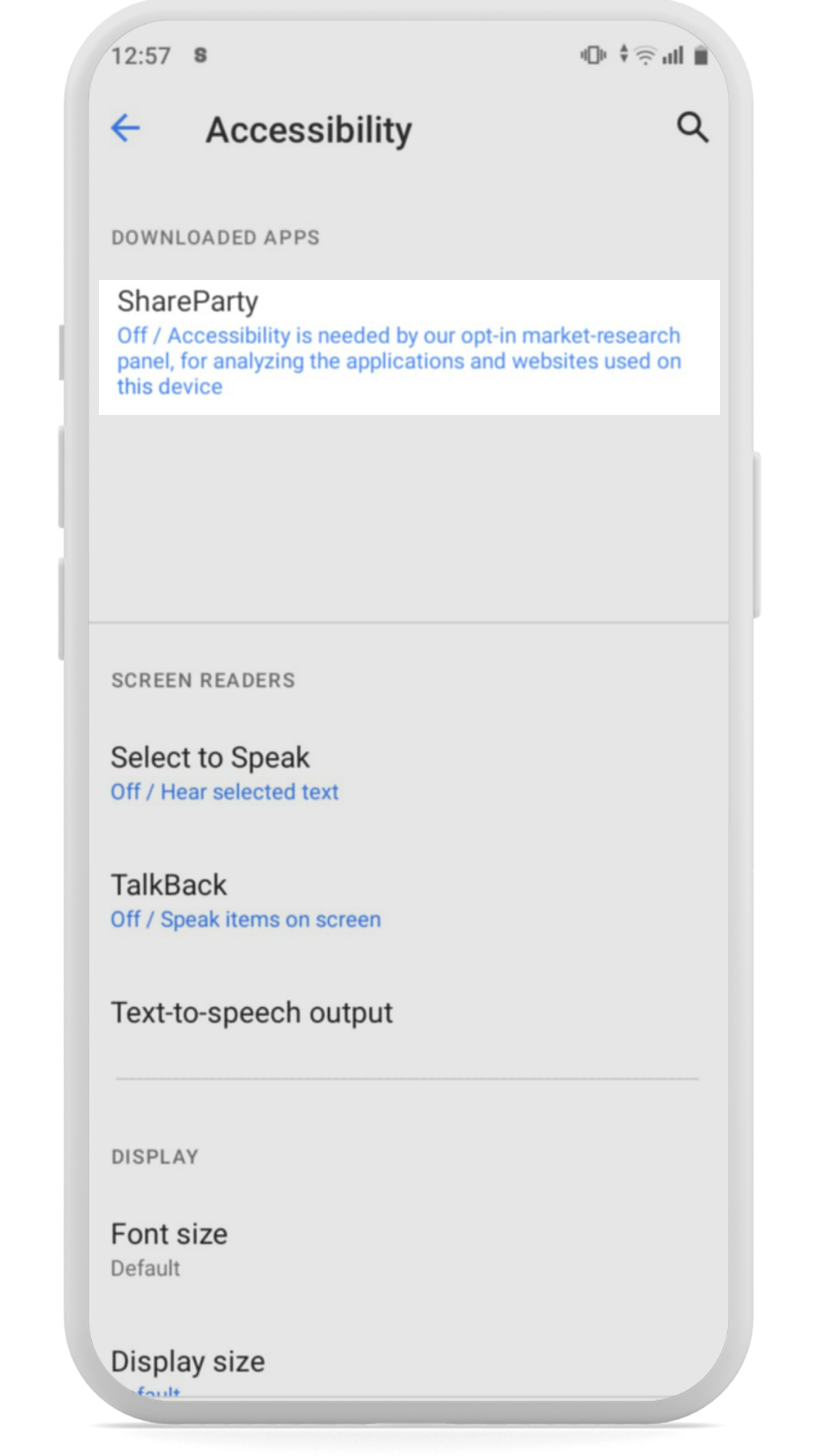
STEP 10
You’ll see ShareParty accessibility.
-
![]()
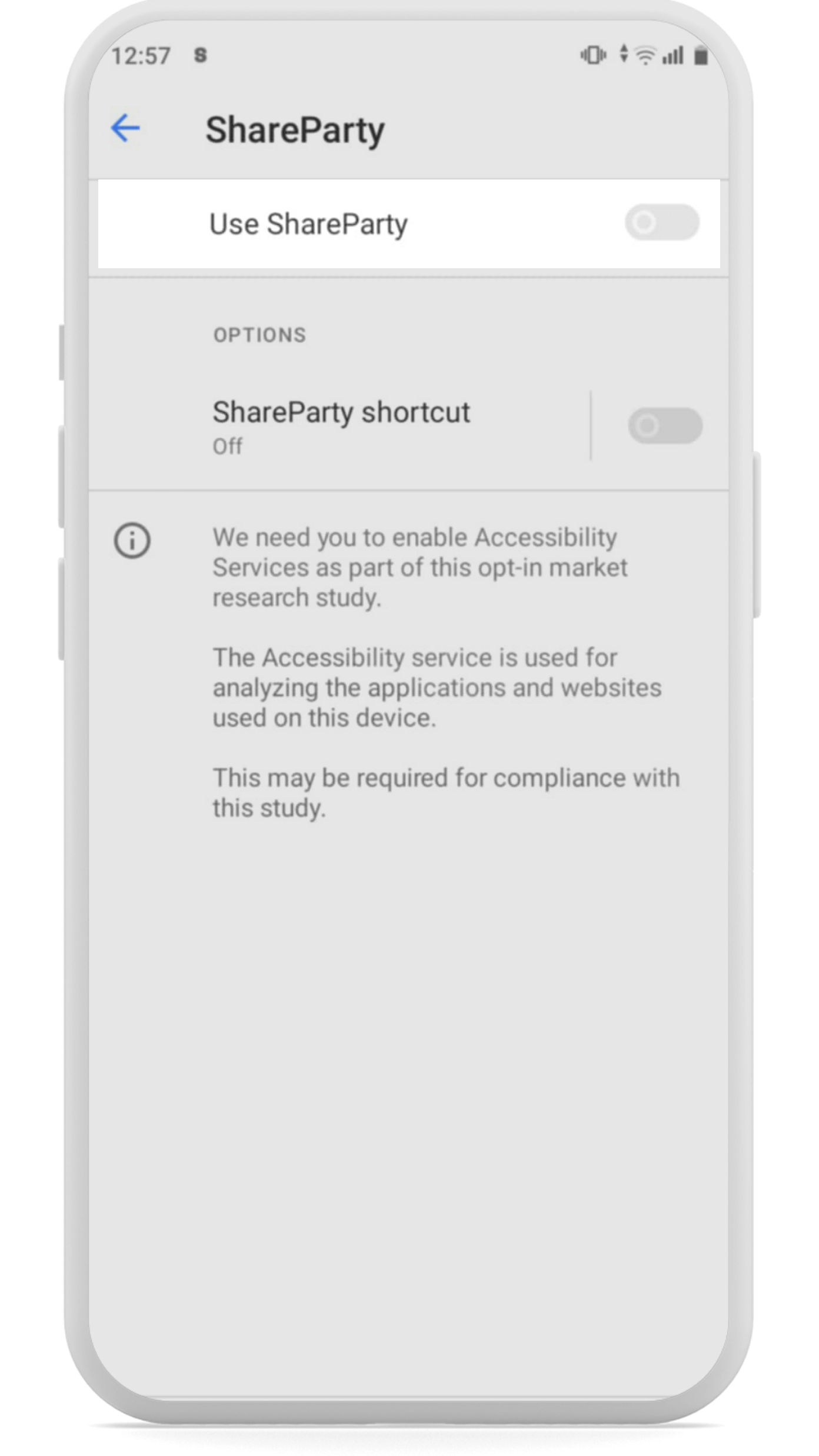
STEP 11
Enable ShareParty accessibility.
-
![]()
STEP 12
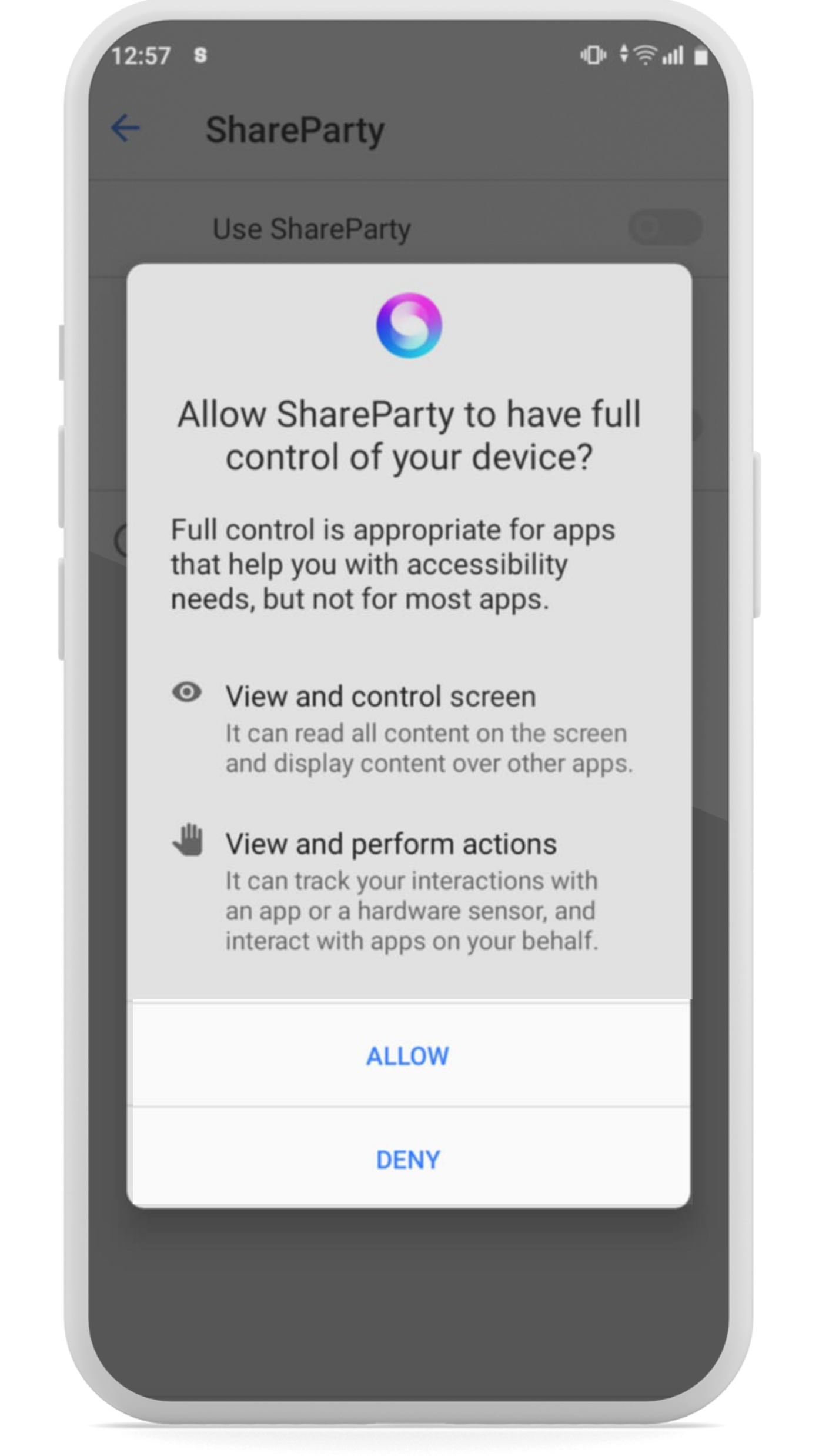
Allow ShareParty’s accessibility. Don’t worry, your privacy is our priority (see details below).
-
![]()
STEP 13
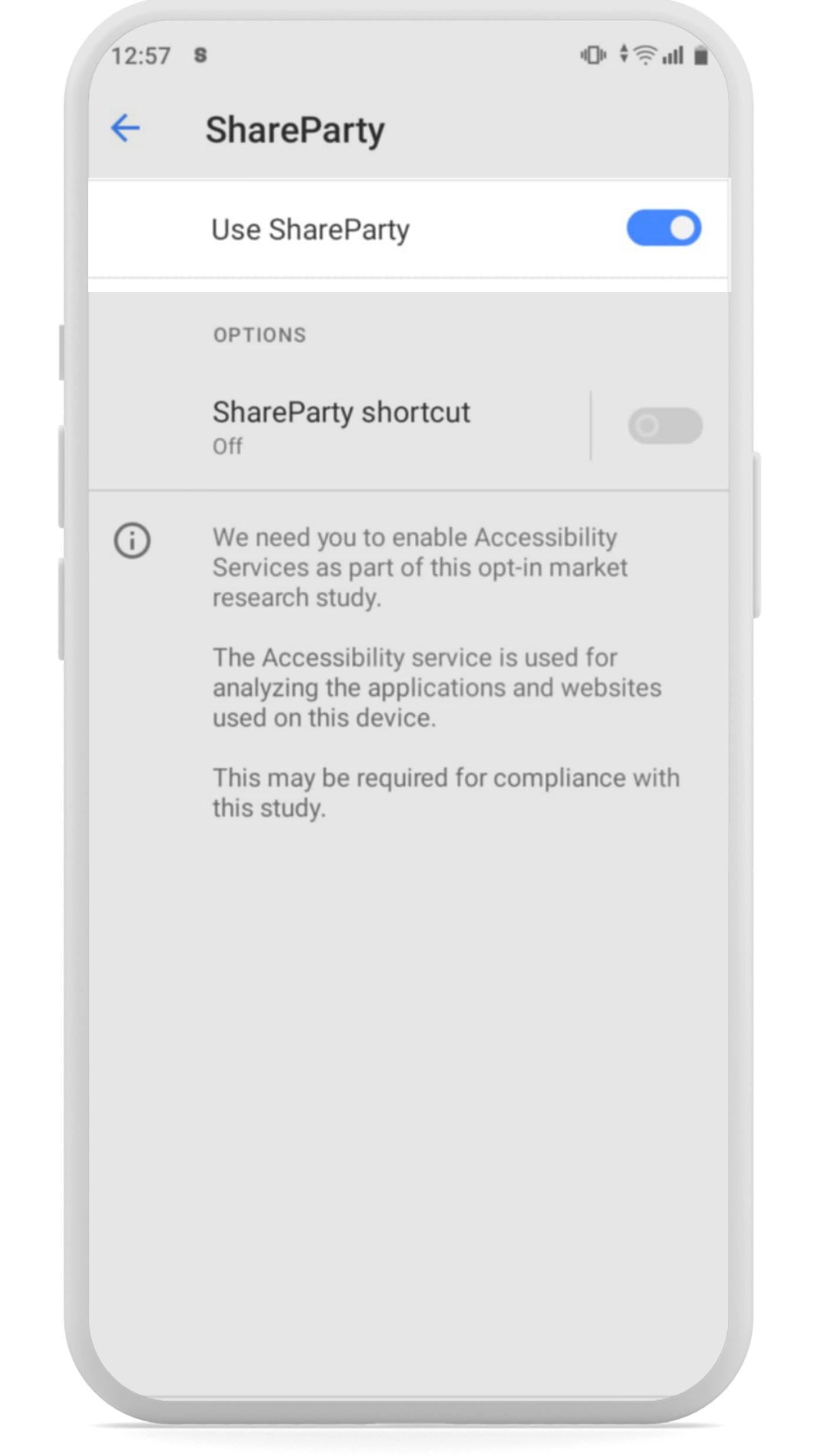
Enable ShareParty accessibility (confirm).
-
![]()
STEP 14
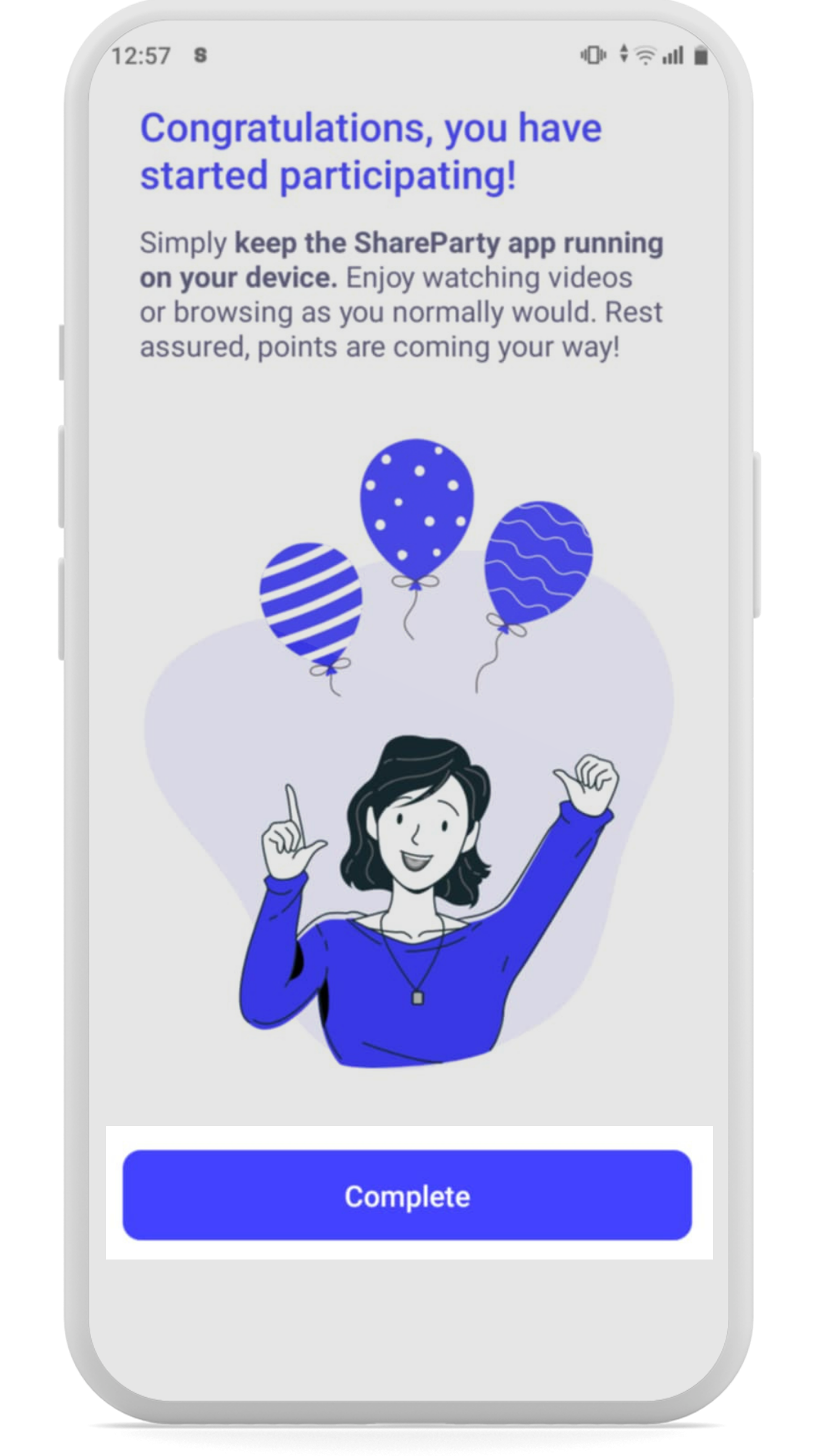
Click Complete to finish the setup.
-
![]()
STEP 15
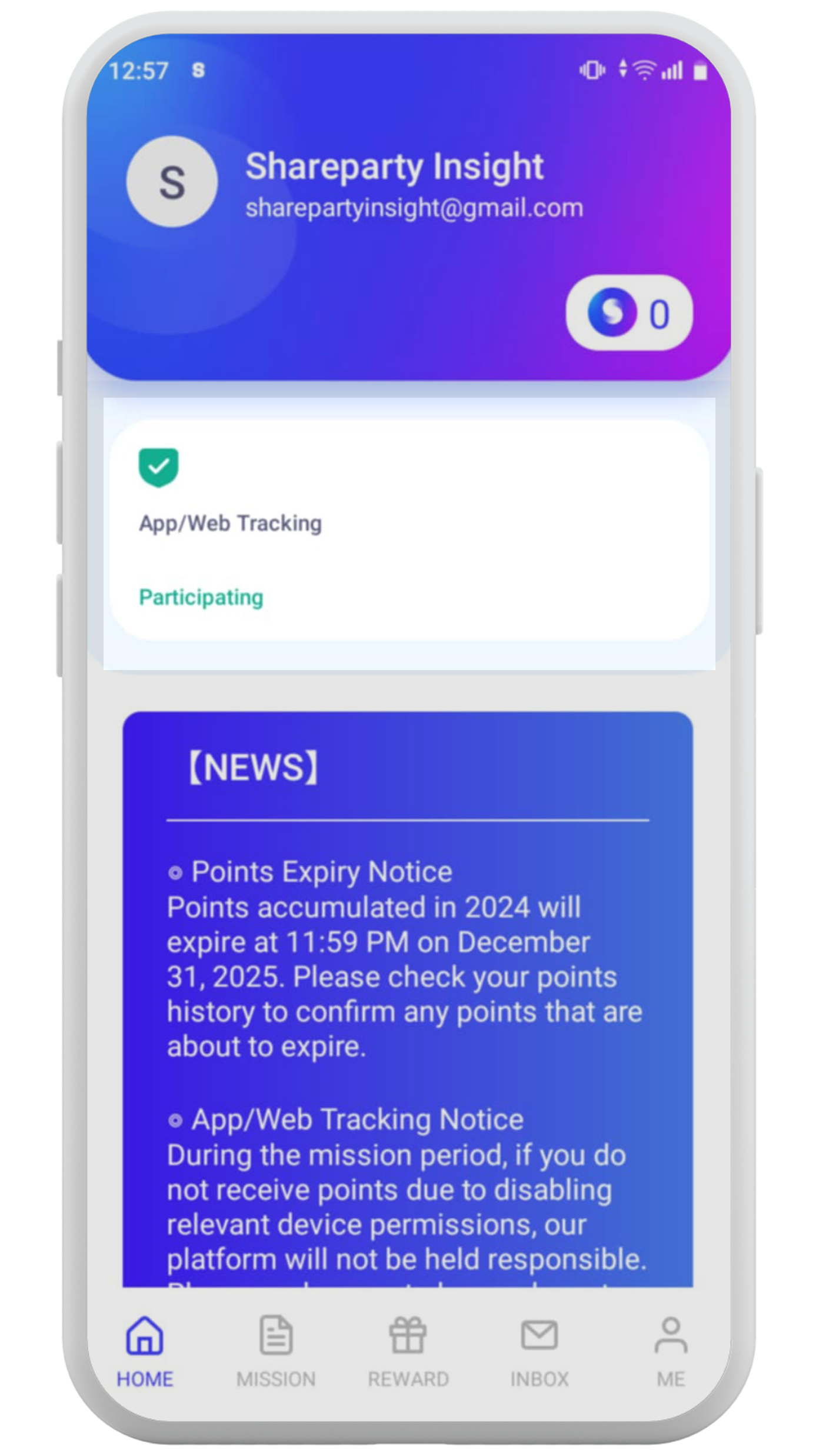
You will see App/Web Tracking showing a green light on the home page.